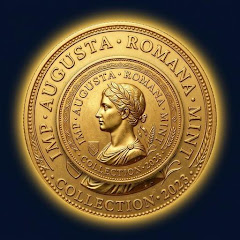
Identify coins. Organize every find.
A mobile workspace for identifying coins, saving scan history, and keeping collection notes organized.
How CoinRelic works
From a loose find to a clear record.
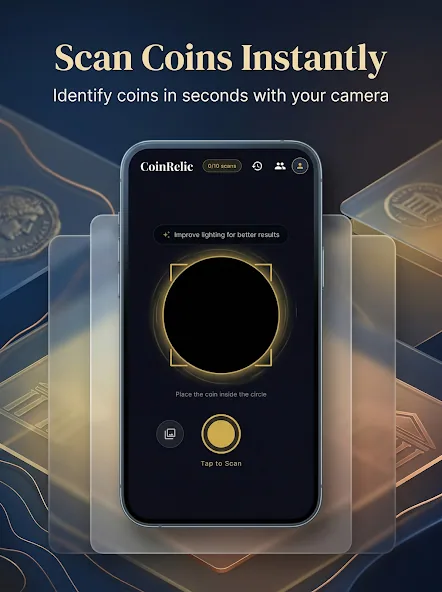
Scan a coin
Capture a coin from the mobile app and start a new identification record in seconds.
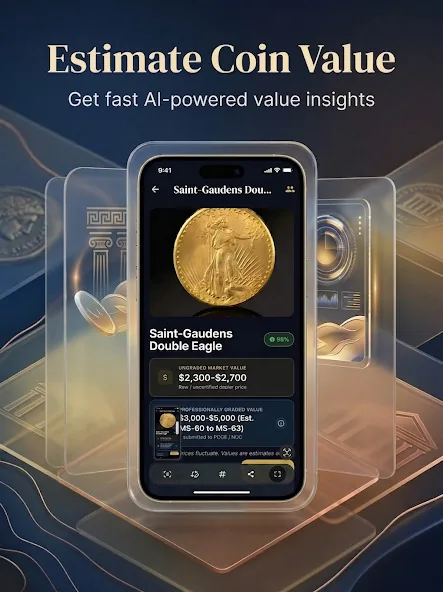
Review identification details
Review possible identity, value context, rarity cues, and details worth checking before you save the find.
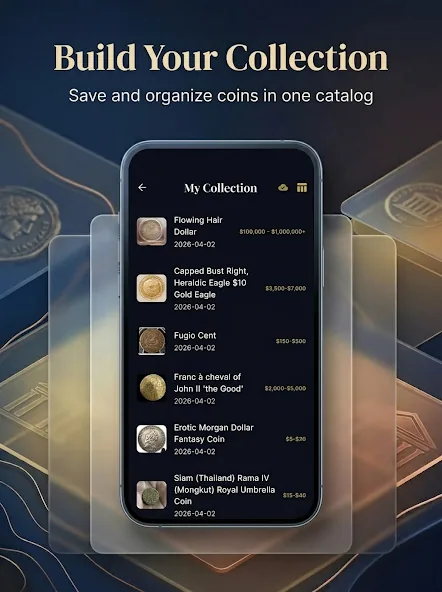
Save to collection
Add important finds to a digital catalog with photos, notes, and details you can return to later.
Track history and notes
Keep scan history, watched coins, achievements, and collection notes together as your catalog grows.
Keep the story of every coin.
CoinRelic keeps the collecting process organized: identify a coin, check the details, save the record, and revisit it when your catalog changes.
Identify old, rare, world, commemorative, and everyday coins from a camera scan.
Save coins with scan history, photos, value context, and collector notes.
Track watchlists, top finds, and collection details as the catalog grows.
Questions before you start
CoinRelic is designed for old coins, world coins, rare finds, commemoratives, bullion, and everyday coins collectors want to research and organize.
Yes. You can save scanned coins with details, photos, scan history, and collector notes.
No. Value estimates are informational. Condition, demand, authenticity, grading, errors, and sale venue can all affect real market value.
Free collector checklist
Is your coin worth a closer look?
Use the CoinRelic checklist to review date, mint mark, condition, and error signals before scanning and saving the coin.
Start building a cleaner coin catalog.
Download CoinRelic from Google Play.